How to Build a Freelancing Business Using AI Tools (2026 Guide)

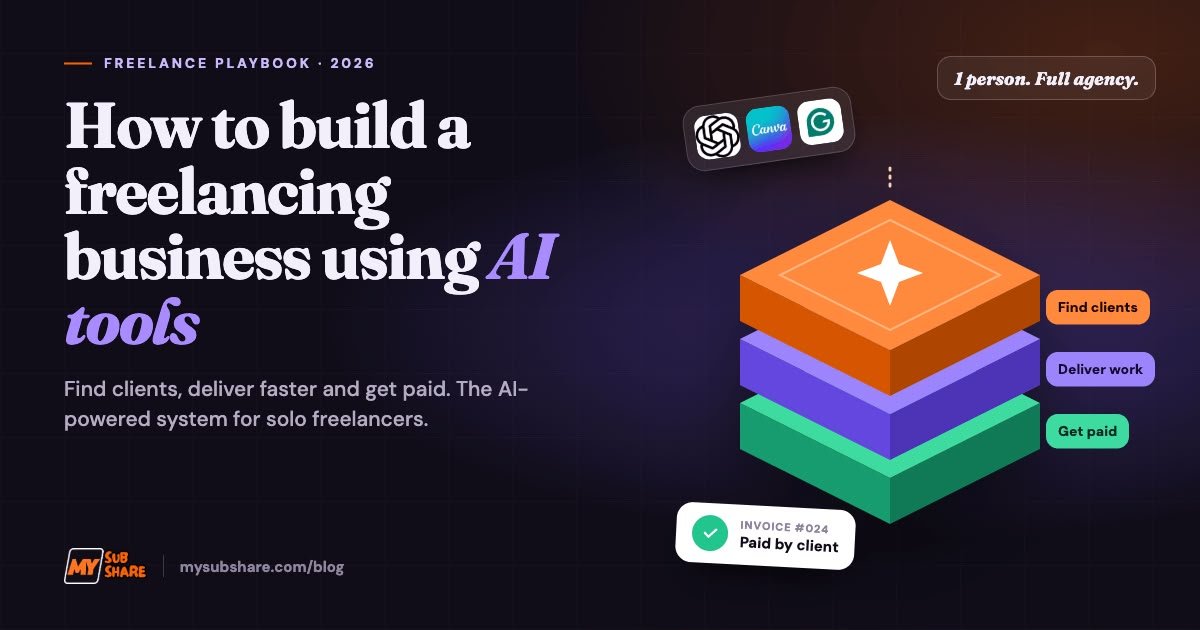
Let’s be real: freelancing in 2026 isn’t the same game it was three years ago. Clients now expect faster delivery and cleaner work, and they don’t want to pay agency prices for it. The freelancers winning right now aren’t working 18-hour days. They’ve worked out how to make AI do the heavy lifting.
The numbers back this up. According to Upwork’s Future Workforce Index 2026, freelancers doing AI work on Upwork’s marketplace earn 34% more per hour than freelancers who don’t use AI. The same report found that skilled freelancers jumped from 28% to 38% of US knowledge workers in just one year.
So the opportunity is real. Here’s how to build a freelancing business with AI step by step, even if you’re starting from zero.
Step 1: Pick a skill people pay for (AI makes it better, not instead)
This is where most beginners get it wrong. AI isn’t a skill on its own. “I use ChatGPT” won’t get you hired. “I write SEO blog posts that rank, and I deliver in 48 hours” will.
Pick one service that has clear demand:
- Writing and content: blog posts, website copy, product descriptions, newsletters
- Design: social media graphics, flyers, pitch decks, brand kits
- Video editing: short-form content for TikTok, Reels and YouTube Shorts
- Virtual assistance: inbox management, research, scheduling, data entry
- Web and ecommerce: Shopify stores, landing pages, WordPress sites
Then ask yourself one question: where does AI make me faster without making my work worse? That’s where your edge is.
Step 2: Build your AI tool stack (without going broke)
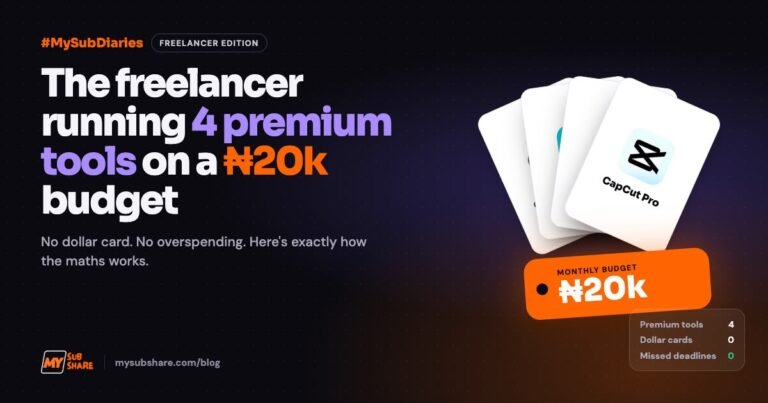
Here’s the part nobody talks about. Premium AI tools are priced in dollars, and if you’re paying with a Naira card, every subscription stings. Paying for ChatGPT, Canva and Grammarly separately can wipe out your first few gigs before you even start.
These are the tools that matter most for each freelance path:
| Freelance service | Core AI tools | What they do for you |
|---|---|---|
| Writing | ChatGPT Plus, Claude, Grammarly, QuillBot | Drafting, research, editing, tone polish |
| Design | Canva Pro, Freepik, Envato Elements | Templates, AI images, stock assets |
| Video editing | CapCut Pro, Canva Pro | Auto-captions, AI edits, thumbnails |
| Virtual assistance | ChatGPT Plus, Google AI Pro | Research, summaries, email drafts |
| All-rounder | Claude, ChatGPT Plus | Proposals, client messages, strategy |
The smart move: Don’t pay full price alone. With MySubShare, you split the cost of premium tools with a small, verified group and pay monthly in Naira. Current prices include ChatGPT Plus at ₦4,200, Canva Pro at ₦2,000, Grammarly Pro at ₦3,500 and Claude AI at ₦9,000. There are also freelancer bundles: Freelancer Starter (₦8,000) and Freelancer Pro (₦11,000).
Doing content? The AI Creator combo puts ChatGPT, Canva and CapCut together for ₦12,500 a month.
Your tools are business expenses, so keep them lean while you’re still building.
Step 3: Set up profiles that get clicks
Your Fiverr gig or Upwork profile is your shopfront. Use AI to help you:
- Research competitors. Ask ChatGPT to break down what the top 10 gigs in your niche have in common: pricing tiers, keywords, what they promise.
- Write your bio. Give Claude your real experience and ask for a client-focused version. Keep it honest, because clients can tell when a profile is all hype.
- Design your gig images. Canva Pro templates make your thumbnails look professional in minutes.
- Polish everything. Run it all through Grammarly. Typos on a writer’s profile are an instant red flag.
One golden rule: only list skills you can deliver. AI helps you work faster, but you still need to understand the work well enough to check it.
Step 4: Use AI to land your first clients
Getting the first client is the hardest part. AI won’t win clients for you, but it can make your pitch much sharper.
- Write custom proposals fast. Paste the job post into Claude and ask for a proposal that speaks to the client’s actual problem. We broke this down fully in How to Use Claude to Write Professional Proposals on Fiverr and Upwork.
- Find better opportunities. Use ChatGPT to look past the usual job boards. Here’s our guide on using ChatGPT to find remote jobs that pay in dollars.
- Build a portfolio with no clients yet. Create two or three sample projects for made-up brands. Use AI to brainstorm briefs, then do the actual work yourself.
- Do cold outreach. Spot a small business with a rough website or a dead Instagram page? Use AI to draft a short, personalised DM that offers one specific fix.
Step 5: Deliver faster, without delivering worse
This is where AI pays for itself. A good AI-assisted workflow looks like this:
- Brief: Use ChatGPT to turn a messy client request into a clear checklist.
- Draft: Let AI produce the first 60–70%, whether that’s the outline, first draft or design concepts.
- Human edit: You add the judgement, personality, fact-checking and client-specific detail. This is the part clients are paying for.
- Polish: Use Grammarly for writing and CapCut or Canva for visuals.
- Deliver early: Beating your deadline is the easiest way to get five-star reviews.
Never send raw AI output to a client. It reads generic, it can contain errors, and some clients check for it. AI is your intern, not your replacement.
Step 6: Turn gigs into an actual business
One-off gigs pay the bills. A business is built on systems.
- Raise prices as reviews pile up. Your speed advantage means you can take on more work, but don’t stay cheap forever.
- Create packages. Instead of “I’ll write one blog post,” offer “4 SEO blog posts per month + social captions.”
- Get retainer clients. Monthly clients give you predictable income, and that’s when freelancing starts to feel stable.
- Automate admin. Use AI to draft invoices, client updates, onboarding emails and FAQ replies.
- Track your numbers. Know what you earn per hour versus what you spend on tools.
Want proof the tool math works? Read how this Lagos content creator spends ₦15k a month on tools and makes ₦600k.
Bonus side hustle: If you’re on a plan with unused slots, MySubShare’s Share & Earn feature lets you list them and earn from them. Earnings aren’t guaranteed, but it can help cover your own tool costs.
Common mistakes to avoid
- Paying for every tool at once. Start with two or three that match your service.
- Over-relying on AI. If you can’t explain or fix the work, you’ll struggle when clients ask for revisions.
- Underpricing forever. Being fast is a selling point, so charge for it.
- Ignoring platform rules. Fiverr and Upwork have their own policies, so read them before you rely on AI-heavy delivery.
- Not niching down. “I do everything” is harder to sell than “I edit TikToks for fitness coaches.”
FAQs
Can I start freelancing with AI as a complete beginner?
Yes, but pick one skill and learn the basics first. AI speeds you up, but you still need to judge whether the work is good.
What are the best AI tools for freelancers?
It depends on your service. ChatGPT and Claude are great all-rounders for writing, research and proposals. Canva Pro covers design, CapCut Pro covers video, and Grammarly handles editing.
How can I pay for AI tools in Nigeria without a dollar card?
Platforms like MySubShare let you pay monthly in Naira through a wallet funded by card or bank transfer. You share premium tools with a small group, so you pay less.
Do freelancers who use AI earn more?
Upwork’s Future Workforce Index 2026 reported that freelancers doing AI work on its marketplace earn 34% more per hour than those who don’t use AI.
Will clients know I used AI?
They might, especially if you send unedited output. Use AI for speed, then edit heavily so the final work sounds like you and fits the client’s brief.
Your next move
You don’t need a big budget or years of experience to start freelancing in 2026. You need one sellable skill, a lean set of AI tools and the discipline to edit everything before it goes to a client.
Ready to set up your freelancer toolkit without paying dollar prices? Check out MySubShare’s freelancer bundles and get premium AI tools in your dashboard within minutes.
Share smarter. Spend less.
Get the subscriptions in this article for less
You might also be interested in

Guides, launches and deals, straight to your inbox when we publish. No spam, unsubscribe any time.