8 Tools That Make You Look More Productive Than You Actually Are

Let’s be honest. Sometimes, looking productive is almost a full-time job.
You’ve got 15 browser tabs open, a beautiful digital planner, three AI tools running, and a perfectly organised workspace. Anyone walking past your desk would probably think you’re running a Fortune 500 company.
But are you actually getting things done?
The good news is that some digital tools genuinely make work easier. They help you organise your thoughts, create content faster, design professional graphics, and manage everyday tasks without spending hours figuring everything out.
Whether you’re a student, freelancer, entrepreneur, or content creator, the right productivity tools can make your daily workflow feel a lot less chaotic.
Here are eight tools that can make you look incredibly productive while helping you get more done with less effort.
1. ChatGPT Plus – Your Personal AI Assistant
Best for: Writing, brainstorming, research, and everyday tasks.

Ever had a task sitting on your to-do list for three days because you genuinely don’t know where to start?
That’s where ChatGPT Plus comes in.
Instead of staring at a blank document, you can use ChatGPT to brainstorm ideas, draft emails, organise information, explain complicated topics, and help you work through problems.
For freelancers, it can help generate client proposals, write project descriptions, and structure content. Students can use it to understand difficult subjects and organise study notes.
The real productivity trick isn’t asking AI to do everything for you. It’s using it to eliminate the repetitive thinking that slows you down.
Try this: Ask ChatGPT to turn your messy list of tasks into a prioritised daily schedule.
2. Canva Pro – Because Everything Looks Better With Good Design
Best for: Graphic design, presentations, social media, and branding.
You don’t need to be a professional graphic designer to create designs that look like you hired one.
Canva Pro makes designing much easier with premium templates, design elements, stock assets, and brand management features.
Need an Instagram carousel? A presentation for a client? A professional-looking CV? Canva gives you a starting point instead of forcing you to build everything from scratch.
Its premium features are especially useful for content creators, small businesses, and freelancers who regularly produce visual content.
The productivity illusion: Someone sees your beautifully designed presentation and assumes you spent hours creating it. Meanwhile, you started with a template and customised it in minutes.
3. Grammarly Pro – Your Personal Writing Assistant
Best for: Emails, professional communication, and content writing.

Nothing ruins the professional appearance of an email quite like an avoidable spelling mistake.
Grammarly Pro helps improve your writing by identifying grammatical errors, suggesting clearer expressions, and offering feedback on tone and readability.
If you’re constantly writing emails, blog posts, proposals, reports, or social media captions, it can save you from spending unnecessary time proofreading every sentence manually.
It’s particularly useful when you want your communication to sound polished without losing your natural voice.
Try this: Write your email normally, then use Grammarly to review clarity, correctness, and tone before sending it.
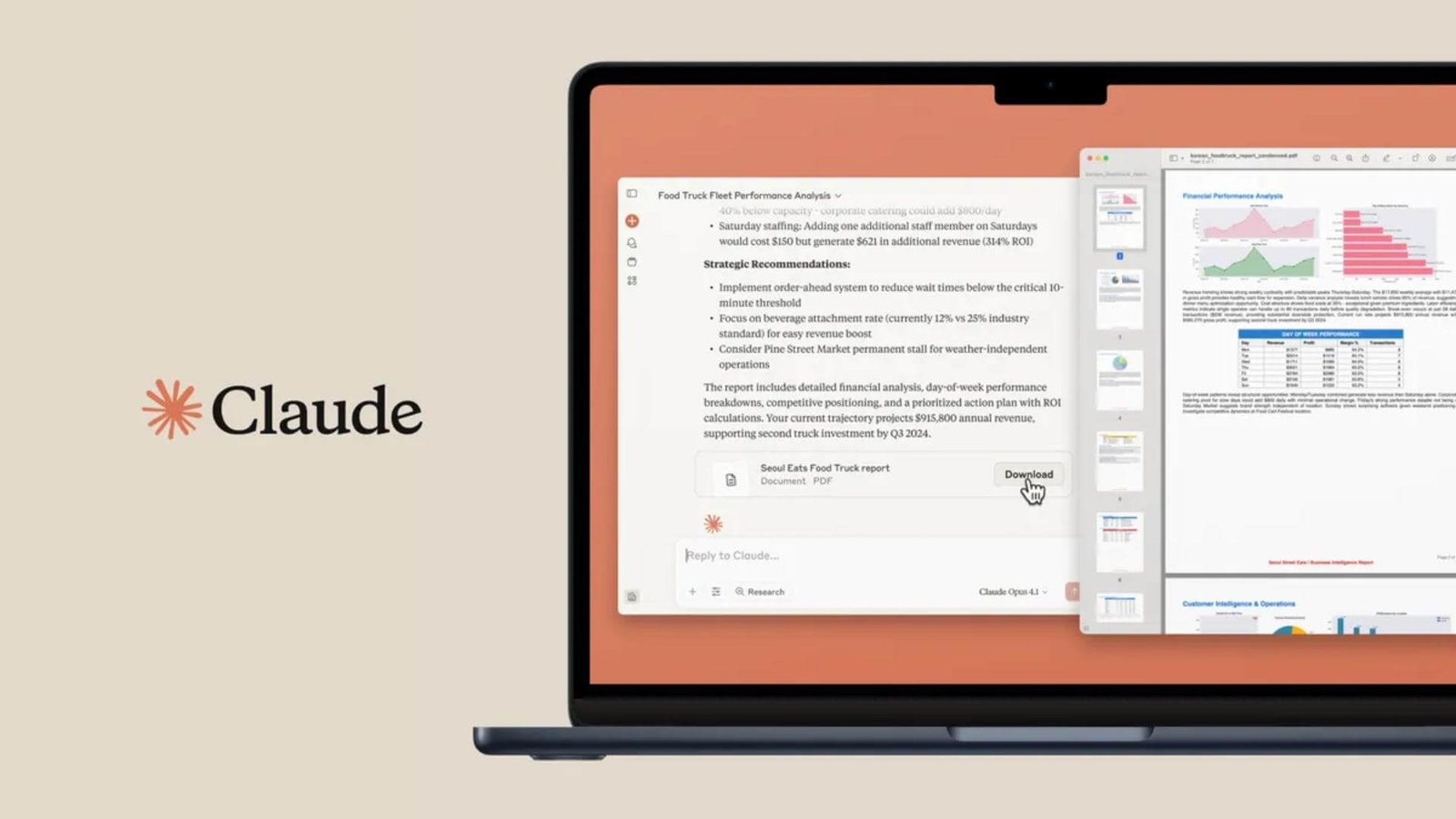
4. Claude AI – For When You Need to Think Things Through
Best for: Long-form writing, document analysis, and complex tasks.

Sometimes, you don’t just need quick answers. You need an AI assistant that can help you work through a bigger idea.
Claude AI is useful for analysing lengthy documents, developing detailed content, summarising information, and working through complex writing tasks.
Imagine receiving a 30-page business document and needing to understand its main points before a meeting. Instead of reading everything repeatedly, you can use Claude to help identify important sections and summarise the information.
Writers, researchers, students, and business owners can benefit from this kind of assistance.
Just remember to verify important facts and review AI-generated work before using it.
The productivity illusion: You look like you’ve spent the entire afternoon conducting serious research. In reality, you’ve used AI to organise the information and identify what deserves your attention.
5. QuillBot Pro – The Ultimate Writing Shortcut
Best for: Paraphrasing, rewriting, and improving written content.

Ever written a sentence that makes perfect sense in your head but sounds completely awkward when you read it back?
QuillBot can help.
Its writing tools include paraphrasing, grammar checking, summarisation, and other features designed to help you improve written content.
For students, it can help clarify complex passages. For content writers, it can provide alternative ways to express an idea without starting from zero.
It’s also useful when you’re trying to make a paragraph shorter, clearer, or easier to understand.
However, don’t use paraphrasing tools to disguise copied work. Always maintain originality, accuracy, and proper attribution.
The trick: Use QuillBot to refine your writing, not replace your ability to communicate.
6. CapCut Pro – Make Your Videos Look Expensive
Best for: Video editing, social media content, and short-form videos.

If you’ve ever spent three hours editing a 30-second video, you already understand why a good editing tool matters.
CapCut Pro makes video creation more accessible with premium editing features, effects, transitions, captions, and other creative tools.
Whether you’re producing TikTok videos, Instagram Reels, YouTube Shorts, or promotional content for your business, it can help you create polished videos without needing complicated professional editing software.
You can also use its editing features to maintain consistency across multiple videos.
The productivity illusion: Your audience sees a professionally edited video and assumes you’ve got an entire production team. You might just be working from your laptop.
7. Freepik Pro – Stop Spending Forever Searching for Visuals
Best for: Creative assets, visual inspiration, and marketing materials.

Finding the right image for a project can sometimes take longer than completing the project itself.
Freepik Pro helps solve this problem by providing access to a wide collection of creative resources, including stock images, illustrations, vectors, and other design assets.
It’s particularly useful for designers, marketers, website developers, and content creators who need quality visuals regularly.
Instead of creating every graphic element yourself, you can find suitable resources and customise them to match your project.
Just remember to check the licensing conditions for your intended use.
The productivity illusion: Your designs look like they came from a full creative department. Your secret? Having the right resources available when you need them.
8. Envato Elements – Your Creative Department in One Subscription
Best for: Templates, stock assets, presentations, and creative projects.

Sometimes, the hardest part of completing a project is finding the resources to make it look professional.
Envato Elements offers a library of creative assets, including presentation templates, website themes, graphics, fonts, video templates, and other digital resources.
For freelancers and business owners, this can be a serious time-saver.
Need a presentation for a client? Start with a template. Building a website? Explore available themes and design resources. Creating marketing materials? Find assets that help bring your ideas to life.
Rather than building every element from scratch, you can focus more on customisation and delivering the finished project.
The productivity illusion: People think you’ve spent days building everything from the ground up. Meanwhile, you’ve used quality resources to get a head start.
How to Get More Value From These Productivity Tools
Having eight premium subscriptions doesn’t automatically make you productive.
In fact, constantly switching between different applications can become another distraction.
The smarter approach is to choose tools based on the actual work you need to complete.
Here’s a simple breakdown:
| Your task | Tools to consider |
|---|---|
| Writing and brainstorming | ChatGPT, Claude |
| Editing and improving content | Grammarly, QuillBot |
| Graphic design | Canva, Freepik |
| Video editing | CapCut |
| Presentations and creative resources | Envato Elements |
You don’t need all eight. Start with the two or three that solve your biggest everyday challenges.
And if you’re looking to reduce the cost of accessing premium digital tools, MySubShare makes it easier to explore subscription-sharing options.
Instead of paying the full price for every eligible subscription individually, you can join a sharing plan and contribute towards the cost.
You can also explore Combo Deals if you regularly use several tools together.
Final Thoughts
Looking productive is fun, but actually getting things done is even better.
The best digital tools aren’t necessarily the ones with the most impressive features. They’re the ones that help you save time, reduce unnecessary work, and focus on what matters.
Whether you’re writing your next big article, editing videos, preparing a presentation, or managing a business, there’s probably a tool that can make the process easier.
Just remember: productivity isn’t about having 20 applications open at once. It’s about getting meaningful work done without making your life unnecessarily complicated.
And if you can look organised while doing it? That’s a nice bonus.
Ready to work smarter without spending more than necessary?
Explore premium digital tools and affordable subscription-sharing options at MySubShare.
MySubShare – Share Smarter. Spend Less.
Get the subscriptions in this article for less
You might also be interested in


Guides, launches and deals, straight to your inbox when we publish. No spam, unsubscribe any time.